
Please visit my new blog, richardboardman.com for my latest posts. Thanks! I’m keeping this one here for posterity.
Another biz post: Setting up a tech consultancy in San Francisco
Here’s another post from my business blog! Thats right, for those of who who don’t know, I’m no longer at Google …

Image credits: Remixed from JD Lasica’s original.
Having just set up a tech consultancy, I’m pleased to confirm that the process of setting up a business in San Francisco is relatively straightforward. So far anyway (check in with me again at tax time).
That said, there’s still a few hoops to jump through. Here’s my rundown of the steps involved in setting up a consultancy in San Francisco – including paperwork, training, coworking and networking …
Read on here.
Posted in Uncategorized
1 Comment
My new business blog richardboardman.com
I’ve setup a new blog richardboardman.com for my freelance UX research consultancy business. I’ll still keep posting personal stuff on travel, Hundi, inane stuff here. However, posts related to technology, user experience, usability and other “serious stuff” will be over there.
Sneak Preview: The anti-social uses of highly social check-in sites
 My first post discusses how location-based “checkin” social networks can provide a useful personal history of your journey around the physical world – for one’s own use. Thats right, this most social of web applications can act as a personal information management tool for the most anti-social and introverted of people. I discuss why I find this useful (in addition to the social side of things) and how to extract your history foursquare into your personal calendar. Read on here.
Posted in internet technology
3 Comments
Why I don’t believe facebook’s 500M users
Well, to be concise its not the number, but are they really claiming 500M people?

Posted in internet technology
4 Comments
Locals and Tourists #1: London

Fantastic visualization of where geotagged photos are upload from, for two groups: (1) locals in blue, (2) tourists in red.
Posted in Uncategorized
1 Comment
Springcleaning my Mac (before it turns into a PC)
Today was spring-clean day for my dear ol’ Mac. Over the past few months, my Macbook has started to slow down, showing the spinning wheel of dayglow colours more and more often. My hard drive is getting full. Firefox keeps locking up and consuming ever vaster amounts of memory. I get multiple popup notifications whenever I boot up from Norton Antivirus (which I don’t even have installed anymore). Its like my Mac is slowly becoming a cluttered, tetchy PC. Aggh, what a nightmare thought.
Happily, I found a bunch of excellent optimization tips online, on sites including lifehacker.com, lowendmac.com, and thexlab.com. However, each article differed in terms of the tips offered. Therefore here’s my attempt at a full superset of tips, with highlights of those which worked for me. Please see the original articles for extra detail. I’ve included references below.
Section 1: speeding things up
- First some foundational steps – Check: is there enough RAM? 2 gigs – yes, for sure. Check: do I have the latest version of MacOS X? 10.6.2 – yup. Check: do I need any software updates? No. Now onto the more clever stuff. Check: have I done a recent backup? Whoops.
- Check which processes are consuming resources – To do this I looked in Activity Monitor to see where my precious CPU and memory were being allocated. For me Firefox was being a major hog consuming 1 gig of virtual memory at some points. However, iPhoto and Adobe Reader were also being greedy. There were also a bunch of processes I didn’t recognise. I made a list of these to keep an eye out for in future steps
- Verify all apps are upgraded to the latest version – This was a manual process for me although apps surely exist to do this automatically. I actually found it handy to browse the app myself so I could ask myself the question – do I really need this? Surprisingly considering the legendary aggressiveness of Adobe’s Updater, my Adobe Reader was a whole version out of date. How did that happen? I upgraded hoping that would cure the memory hogging.
- Clean up auto-startup processes – This was always a monster headache on Windows machines, and it can also be a headache on a Mac too. I looked in System Preferences -> Accounts to check with apps were starting on bootup. Aha, a bunch of the mysterious processes could be explained this way. Most of these I could remove straight away – FireflyHelper, textexpanderd, some godforsaken RealPlayer watcher process, and several others, all of which had been created by software I had tried out at some point but stopped using.
- Tidy up unnecessary preference panes. – This was a common tip from the online articles. Looking in the Other panel of System Preferences I was surprised quite how many additional icons were, including flip4mac, fan control, firefly, Google Desktop, ichatstatus, textpander. Again, most of these corresponded to apps I had deleted, but which hadn’t done their preference housekeeping properly. To delete them, I went to ~/Library/PreferencePane and deleted the preferences panes directly.
- Check for unnecessary OS services – lowendmac.com recommends checking which OS services are running in the background. Their hitlist of services to consider turning off include Universal Access, Bluetooth, Speech Recognition, and Internet Sharing. Of these, I only had Bluetooth running. Since I don’t use it any more, off it went.
- Tidy up the Desktop – I had a LOT of old icons and downloads on my desktop. I deleted 95% of these, since each icon uses a small amount of resources.
- Tidy up the Dashboard – Dashboard widgets also consume resources. It turned out that I had a tonne lurking back there which I had set up in a frenzy of widget trials on my first day of having the Dashboard. Since I never intentionally used the dashboard, more often than not bringing it up by mistake, I went even further and disabled the Dashboard with MainMenu (see below).
- Disable unnecessary animations – Finally I disabled some of my screen candy including the window opening animations from the Dock, as well as the visualizer within iTunes.
Section 2: saving disk space
- First step – where is all my disk space going? – To survey this, I installed and ran both OmniDiskSweeper and Disk Inventory X. In particular, I found Disk Inventory X immediately insightful. The app generates a treemap of your hard disk which gives a great visual summary of relative size files. The one which leaped out was Spore.app, a game I had installed but only used once, and was using almost 4 gigs. My iTunes library was also being greedy.
- Uninstall the apps you never use – There was a lot of them … Spore was the tip of an iceberg. I like to download and try out apps based on friends’ and websites’ recommendations, and over several years they had really built up. Overall I saved almost 10 gigs of hard drive this way. I found it was important to reboot and make sure the apps had been completely removed. one mystery was that despite the fact I had no Norton apps installed, I was still getting those annoying Norton Anti-Virus notifications. A google search revealed that Symantec has a specialist tool for removing all the files relating to its apps, including Library files which are sometimes not cleanly deleted on uninstall. Note to self, be wary of Symantec products in the future!
- Consider using a 3rd-party app removal too – Lifehacker recommends dedicated app removing tools such as Hazel or AppDelete. These provide more robust uninstall functionality, and also allow you to scan for orphan files. I gave AppDelete a go, but decided to wait until later since it seemed overly-aggressive in terms of offering to delete files which I still used. e.g. the Chrome crash reporter.
- Remove unused i18n libraries – Another common tip is to run Monolingual to remove all the internationalization libraries that are never used. Here I had another surprise: there were literally hundreds of support files for languages I had never used and would never use – Czech, Swahili, Basque, Manx. Klingon and dozens of others. Why doesn’t Apple offer this by default?
- Remove fonts – thexlab.com suggested using the Font Book app to disable and delete duplicate fonts. Doing this, about 20 duplicate fonts bit the dust for me. I’m not sure how much space I saved, but I felt better for it!
- Run MainMenu maintenance features – Mainmenu has a bunch of useful springcleaning features for housekeeping and deleting stuff you don’t need. I ran the following: repair disk permissions, clean caches, clean logs, remove temporary files, rebuild LaunchIndex and Spotlight index, update prebindings and databases, and verify preferences. Phew!
- Empty the Trash – (-;
- Empty the iPhoto trash – it has a separate one
Things I’ve yet to do
I didn’t get round to the following yet:
- Tidy up my iTunes library – one of the largest drains on my hard drive
- Use AppDelete to really do a deep dive of the plist files in my Library.
- Investigate which of the backward compatible MacOS 9, PowerPC architectures I can delete
References
Please see the following articles for more detail:
Posted in MacOS
2 Comments
Travel tips: the Chilean and Argentinian Lake Districts
This is the first of several long-delayed posts of tips from our trip to South America in 2009. Here I cover our visit to the Chilean and Argentinian Lake Districts.
We flew into Bariloche from Patagonia, rented a car, and crossed into Chile over the Paso Cardinal Samore. In Chile we stayed at Puyehue hot springs for 2 nights, and then drove down to Chiloe for 2 nights. We then returned via the same route, staying at Villa L’angostura and just outside Bariloche.
Tiptop travel tip – Go to Chiloe
Okay, so if I had one tip for the area – its this – go to Chiloe. Its an island off Chile which I’d never even heard of until I was in Chile. The people there are allegedly from Polynesia and there’s certainly a Polynesian influence – Easter Island-ish statues, cuaranto (seafood and potato stew). Also of note, it was the last place in Chile occupied by the Spanish so lots of forts.
Chiloe also has the Churches of Chiloe, a dozen or so beautiful wooden Jesuit chapels scattered around the island. There’s a couple within easy reach of the main road when you trundle down to Cucao.
To be specific – go to Cucao, Chiloe
Now, if there’s one place you should go to on Chiloe, its Cucao (map). Its halfway down Chiloe on the west coast. Very remote. Very beautiful. There’s the Chiloe National Park for hikes, epic beaches (think Point Reyes meets rainforest), and I’m pretty sure its the southernmost inhabited spot on the Pacific seaboard of the Americas. Everywhere further south is on some fjord. Amazing boardwalks (easy for kids or sore hips), beach to infinity, friendly park rangers. Slightly out of the way and hence quieter than some places. Note the road is now tarmaced (shown as dirt on some maps)
Cucao beach
Aside from Cucao, we also visited the following places in Chiloe.
Castro
- Moderately untouristy. Feels like a “real” Chilean working town so actually quite interesting to wander round.
- Cute little river houses down on the estuary
- Cathedral of San Francisco – hence giggles for Californians.
- Excellent seafood near the cathedral: <need to dig out receipt>
Ancud
- Destroyed by a monster earthquake in the 50s, so very untouristy
- Excellent cuaranto at the aptly named Kuaranto restaurant (has fabulous decoration). Warning: its very filling, and easily enough for 2.
- I don’t recommend the Hosteria Ancud, despite its great location by a clifftop fort. Inside its shabby, and we think infested by mould since my girlfriend had a really bad allergic reaction.
- Instead I would recommend the Hostal Mundo Nuevo which we drove past and which looked really cool and friendly. It also has some great reviews online.
Cuaranto restaurant in Ancud
Elsewhere in Chile
We stopped briefly at a couple of places between the Argentinian border and Chiloe.
Frutillar
- A pretty little town with a distinctly Germanic vibe. It was settled by Germans in the last century and you feel like you are in the environs of Hamburg. This feeling is amplified by the Euro-ness of the motorway which passes close to the town.
- Walk along the lago with views across to the volcanoes and some kitsch German restaurants. Excellent apfelkuchen.
- Much less touristy than the nearby Puerto Varas. Good place to stop off from the freeway.
Puyehue Hot Springs and resort
- I’d recommend this place if you want a bit of luxury after slumming and overdoing the journeying. We crashed here for 2 nights and found it very rejuvenating.
- Just over the Paso Cardinal Samore from Argentina. Basically hang the first left.
- One of Chile’s premier 5 star resorts. Has a distinctly James Bond meets General Pinochet vibe. Approximately $150 per person per night. This sounds pricey but it includes high quality room, breakfast, lunch and dinner buffets, access to baths. Do the maths and work out the European/US equivalent.
- Hot springs baths are very developed but very pleasant.
- Spa services cost extra for mud baths (my first), massages etc.
- Beautiful grounds for hikes and running
- We were lucky and had the place almost to ourselves. May be horrific when busy with families and so on.
- Worth at least stopping off for a tour!
- Note: there is a more down to earth alternative further down the road at the National Park, where there are cabins and another public hot springs.
Puyehue wildlife
The border crossing
I don’t often say this – do the drive. Skip the Cruce de Lagos bus/ferry option. Its pricey, you have limited flexibility to wander, AND its hyper touristy. We met a few other travellers who regretted taking this route.
We drove the Paso Cardinal Samore (1314m). Its got some cool history – Argentina planned an invasion of Chile via 3 mountain passes, including this one, as late in the 70s. Luckily they got distracted by the Falklands War and Mrs Thatcher. There are separate customs on each side of the pass, with a beautiful 20 mile drive through No Mans land between them. Allow at least 30 mins for each customs and all the lovely paperwork. I believe it gets quite backed up in season so take a book and fill up your tank. The American in our group were not charged any fee to enter Chile.
Its interesting how the landscape and fauna changes on each side of the Andes.
- The Argentinian side is a lot more mountainous with lots of Alpine-esque lakes. In fact the Argentinian Lake District feels reminiscent of the Swiss Italian Alps. The bulk of the Andes seems to be on this side, with the dry steppe to the east.
- In contrast, the Chilean side has a more “spread out” feel. There are some huge volcanoes but they are pretty scattered. The Andes quickly blend down through rich verdant forest (the Chilean side gets a lot more rain) into high cultivated dairy pastures by the coast.
Paso Cardinal Samore
Argentinian Lake District
The Argentinian Lake District has a distinctly Italian Alps feel. Its beautiful, but in a very different way to the Chilean side since the mountains are much denser. The food is stunning and much richer than Chile, but be prepared for some nutcases on the road. We also found it a lot busier with tourists than in Chile.
Bariloche
- A rather bustling touristy town – I would not recommend staying in the town unless you like chocolate shops.
- Random place to go: the tiny, cosy, Paleontology museum, which is a nice stroll down the lake from the city centre.
- If you do stay – I would not recommend the Hostel Ciervo Rojo (which is bizarrely Lonely Planet’s top tip). Its noisy, right in the centre of town by a busy set of bus stops. Also breakfast is a bit naff and the rooms are very minimal and a bit dingy.
- Swanky out of town option: Design Suites Bariloche. Definitely higher budget although we got a great deal out of season. Fantastic brekkie, views across lake, in room jacuzzi. Pool was a bit small although it is nicely split into indoor and outdoor halves which you can swim between. About 10 mins drive outside Bariloche.
- Mini tour: drive around the Circuito Chico. Its a couple of hours loop with plenty of amazing views, and some short hike options. Note its quite touristy so don’t expect it to be very secluded. Look out for Noe the St. Bernard. If you see him, say hi and ask for a refill for Rick.
- Goofy hobbit style restaurant in the town, built entirely of Patagonian cypress with an amazing round wooden door that Bilbo would be proud of: Tarquino
Noe the St. Bernard on the Circuito Chico.
Luxury at Design Suites Bariloche
Villa La Angostura
- Again touristy but much smaller than Bariloche, and with a small national park on the doorstep. An hour east of the Paso Cardinal Samore.
- Very walkable town centre – touristy, but pleasant selection of stores and restaurants.
- We found a nice B&B (there are loads)
- Excellent national park (Los Arroyones, part of the Parco Nahuel Huapi) just south of town on the peninsula which sticks into Lago Nahuel Huapi. Do the day long walk the length of the island, combined with a ferry either to or from town. Note they close park entry midmorning since you can’t complete the walk after a certain time.
Park Los Arroyones, near Villa La Angostura
Posted in travel
3 Comments
Joern Gause 1972-2009, father, best friend, lover of life, SuperJoern
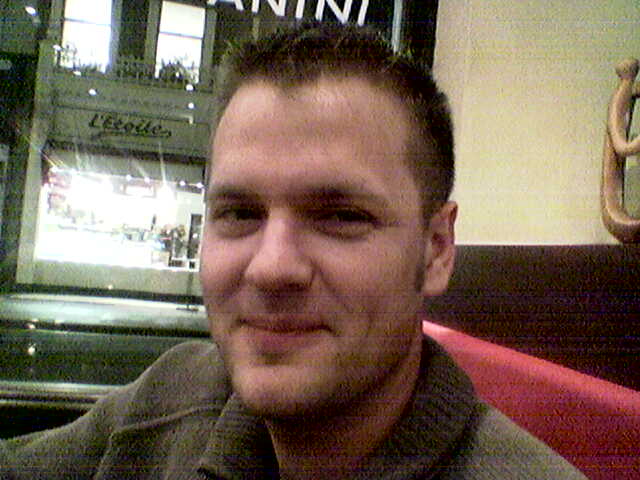
One of my best friends died in June. Randomly, from meningitis. Out of the blue. He was healthy, young, and living life to the full. He was born and bred, in East Germany, in Bismark, just west of Berlin. He had 2 kids – Olly and Carla (see the pics below). He had a Doctorate in Electrical and Electronic Engineering from Imperial College London, and had a successful career, working at Altera in Southeast England. He was planning to run the Berlin marathon in the Autumn. He had traveled the world, and was continuing to do so. This is the kind of thing which isn’t meant to happen, and I’ve been trying – and failing – to make sense of it for 2 months. I miss him so much. I thought he would be here for ever.
One of the greatest honours of my life was speaking at his cremation. Here are my words from the crematorium on Monday June 29th 2009 in Amersham, UK:
It was an honour and a privilege to know Joern. He was such a wonderful friend, father, and family member. He was so young, and was due so many more years of happiness and bringing happiness to others.
Talking to many of you other the past few days, several aspects of his rich life and personality keep coming up. I’m going to touch on a few of these aspects so we can remember what a tremendous, well-rounded guy he was.
Joern was a wonderful friend. He was loyal, dependable and strong. He was always there to listen and offer his unique blend of support, calmness, and humour. His friendship helped many of us through our PhDs. This often involved a pint of beer down the Union Bar. In Klaus’s words, “The PhD years were quite demanding. Joern was calm and helped keep things in perspective.”
Joern was a leader and a founding member of the Imperial College Postgraduate Society, PostSoc. He served as president for over a year. In Jon’s words, “Joern was always there for support – always the consistent, stable foundation of the group – always pleasant, reassuring and tempering”.
Joern was a keen traveller and we couldn’t keep up with all the places he got to go to. Many of us were lucky enough to travel him. I’ll never forget a Winter’s night we spent in a draughty dorm in a youth hostel on Sardinia. It was so cold, we collected blankets from all the other beds in the room, to huddle under on our bunks. I think we slept maybe one hour. The next day, Joern in typical understatement and with a wry grin, summed the night up with “that was quite chilly, wasn’t it?”. This was typical of his wit and charm.
Joern was a keen sportsman and sportsfan. He loved hiking and running – he planned to complete the Berlin marathon in September. However, above all, he loved football – in particular Hertha BSC, Lok Stendal and his beloved Deutschland. He also delighted in making fun of his friends’ teams, who were never as good as his own of course. How we’ll miss his lively commentary through games.
Finally, Joern loved a glass of beer – be it over a footie match, halfway through a hike, or just to get away from our desks. He’ll always be there at our sides, whenever we raise a pint.
Joern – we’ll never forget you.
Some photos:
Family man! Joern, looking busy(!), with Daniella and his kids, Olli and Carla. Joern and Daniella had recently got divorced but remained friends – and of course, wonderful parents.
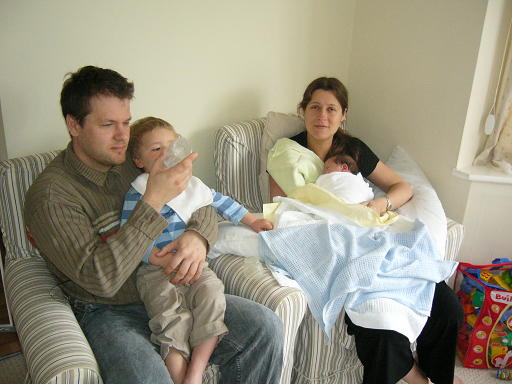
Olly and Carla at the Hit or Miss pub near Amersham after his cremation. It is amazing how much Olly looks like Joern!
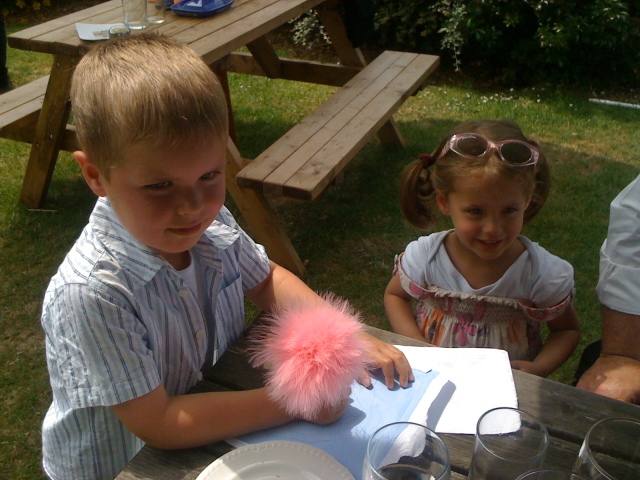
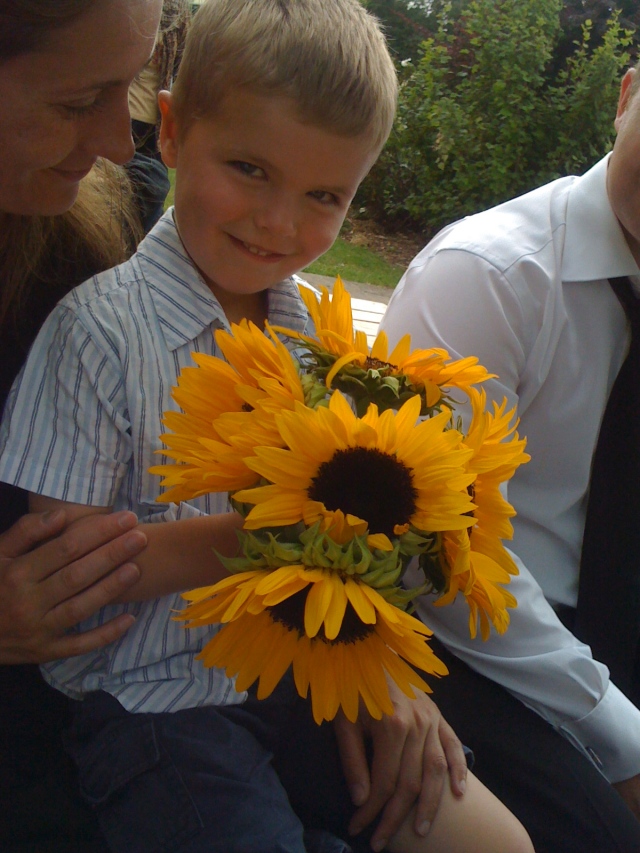
Daniella and Olly with some sunflowers. These were Joern’s favourite flowers. My heart misses a beat whenever I see sunflowers now.
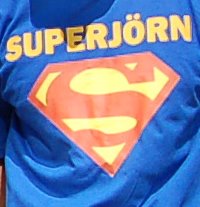
Joern had many nicknames – Jorni, Beany, and Superjorni. The photo below is taken from a T-shirt is colleagues were inspired to race in, during a run dedicated to Joern’s name, to raise money for the Meningitis Trust.
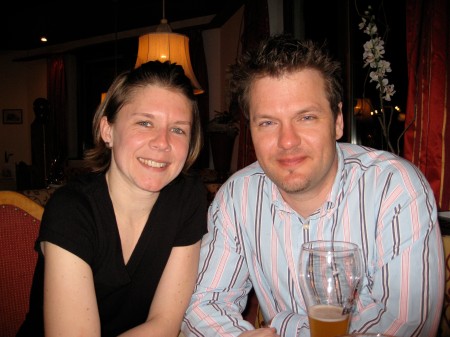
Joern with his girlfriend – Kerstin. He split his time between his work and family in the UK, and visiting Kerstin in Germany. Happily, they had many great times together in his final year of life.
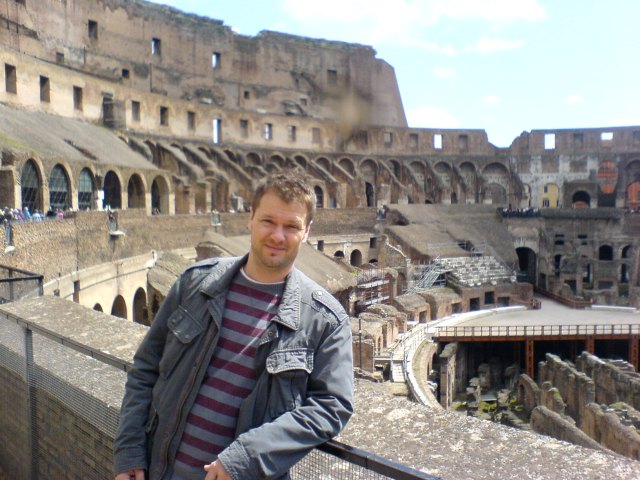
I last saw him in person in April 2008 during our wonderful weekend in Rome. We got thrown out of a church (OK, so Joern wasn’t meant to be videoing the monk’s skeletons in the catacombs), hiked all the seven hills, and ate and drank our fill of wonderful Roman fare. Spot the hangovers.
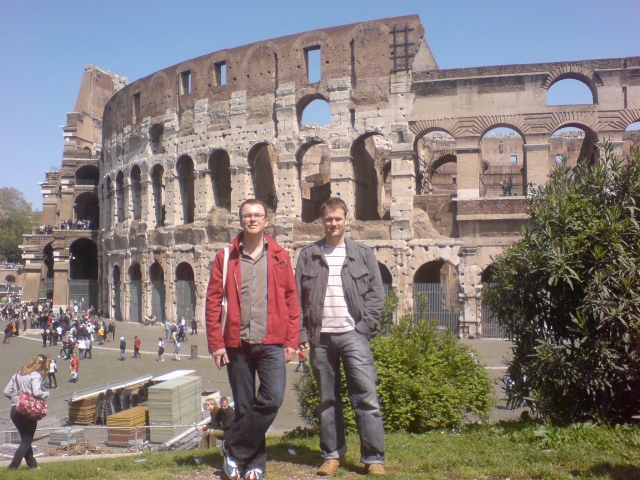
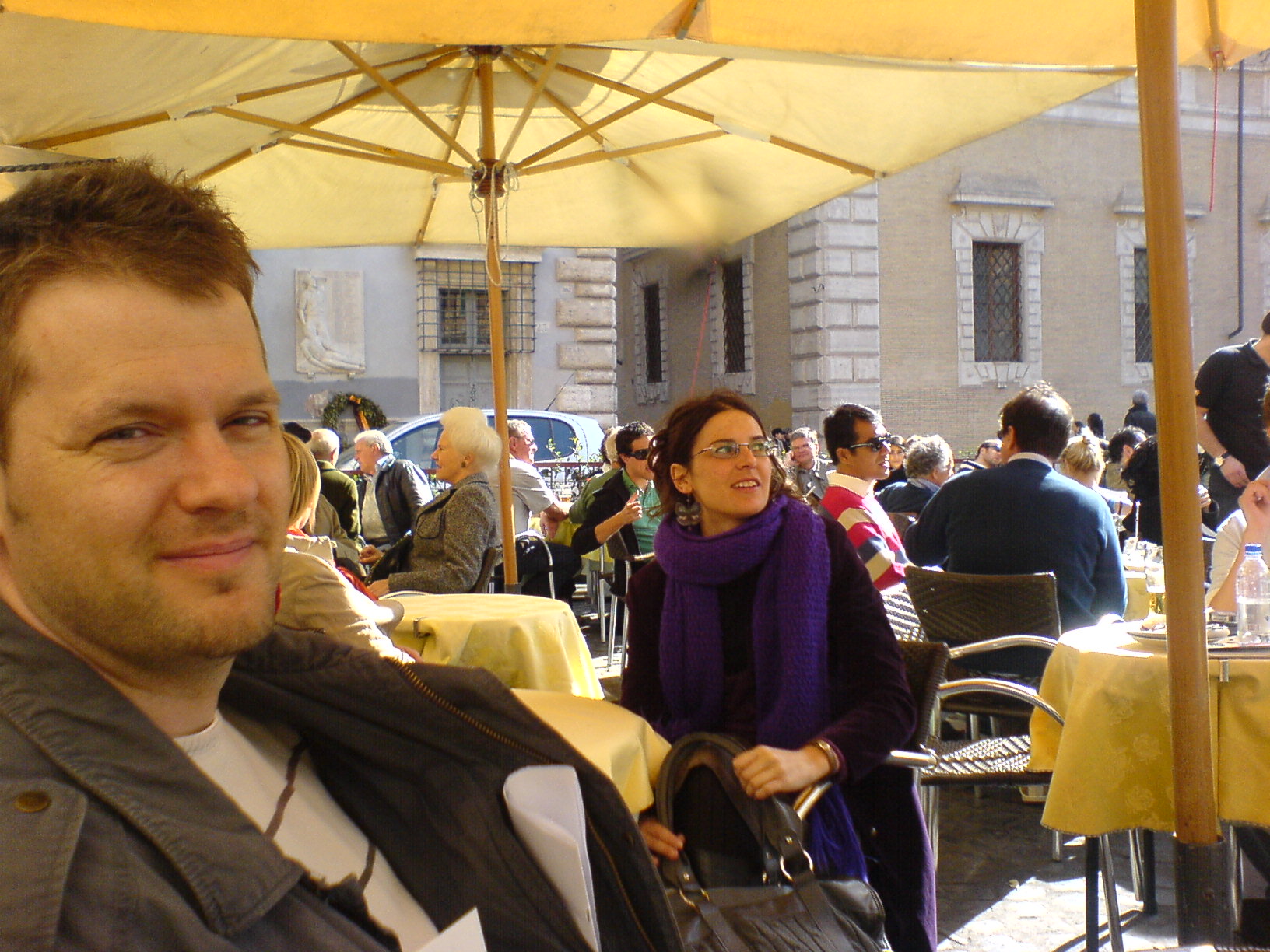
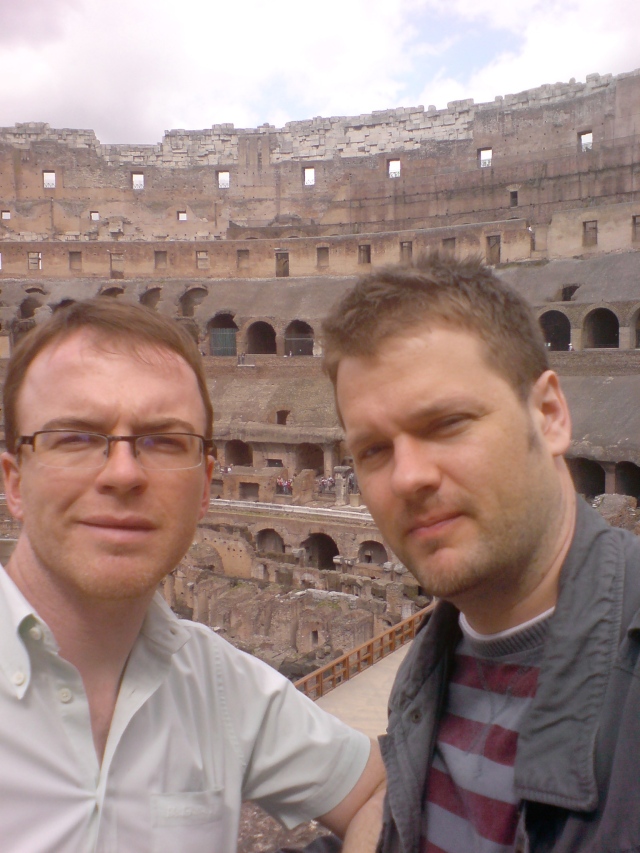
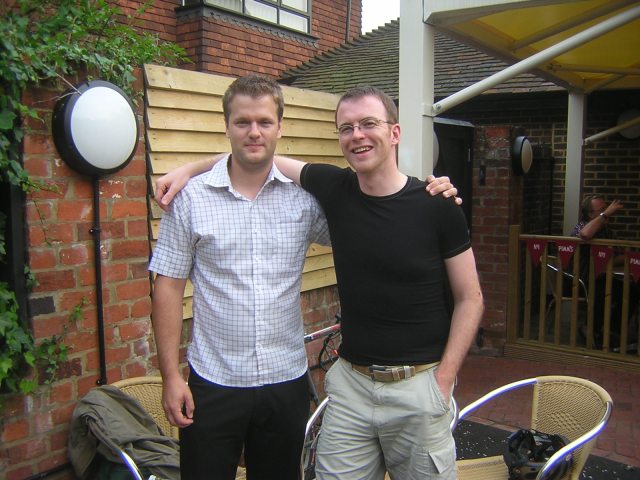
Here is a photo in the back garden of a pub in Berkshire:
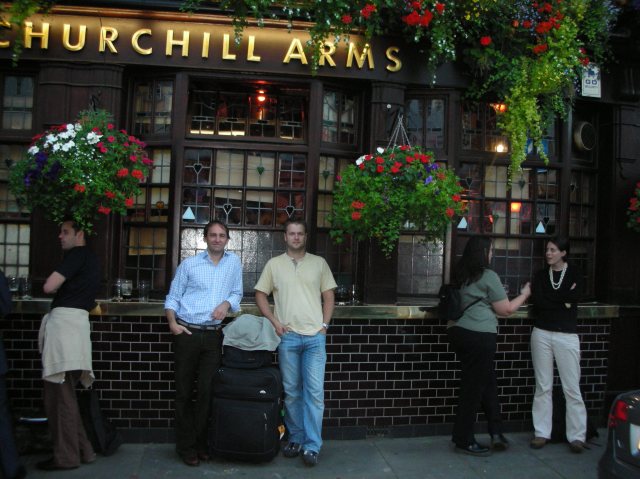
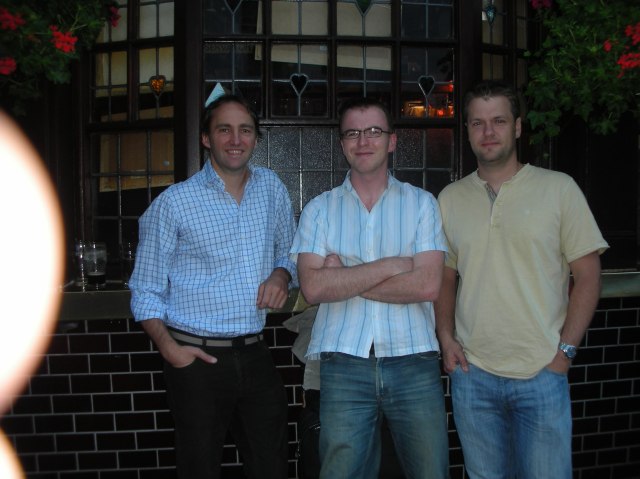
Here are some pics of us on the prowl in London. The pub is the Churchill Arms, one of Joern’s faves. Other fave drinking establishments included the Victoria in Paddington, and the Union Bar at Imperial College Students Union. The other bloke is Jon Smith, another best friend of Joern:
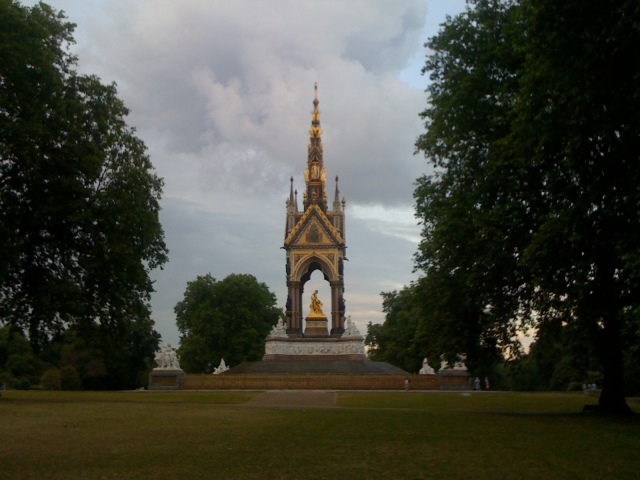
Joern, Jon and myself used to run regularly in Hyde Park / Kensington Gardens together during our PhDs. Often, we ran the next day after a night out at a local pub, to burn off the hangover. After his cremation we ran around the parks, and dedicated them to his memory.
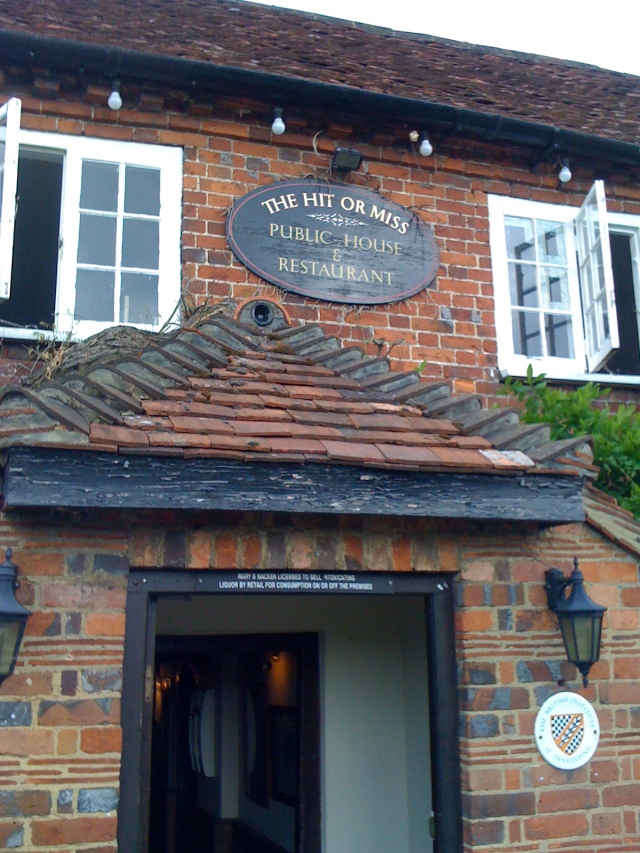
The Hit or Miss pub in Penn Street, Amersham, where we remembered him. Joern would have loved it here.
Posted in Uncategorized
8 Comments
Rome in 2 days with as many hills and as few tourists as possible
Rome in 2 days? Sounds like a rush … however, the news is it can be done. And you needn’t spend all day “gladiating” tourist hordes in the Colliseum.
Neighbourhoods with fewer tourists:
- Trastavere “west of the river” (Google Maps)
- Around Via Serpenti (south from Via Nazionale) and Via Baccina (east of the Forum). My favourite cafe, La Bottega del Caffe, is at the intersection (Google Maps)
Cafes/restaurants:
- La Bottega del Caffe, Piazza Madonna (where Via Baccina and Via Serpenti meet, the nytimes appear to like it too)
- Cafe Baretto on Via del Boschetto (parallel to Via Serpenti)
- Cul de Sac near the Pantheon
- Cafes at Piazza Santa Maria in Trastavere

Cafe scene
Hikes and hills
- The seven hills are very central, easy to saunter between, and hence fairly busy (just print out a map before you go since maps are rare on the ground, and incredibly they are not all marked on tourist maps).
- Also, we found 2 really pleasurable hikes up above the urbanity. Firstly, the ridge to the west of the central city – Monte Giancolo from Trastavere to the Vatican (the last bit is in an incredibly surreal subway, access via the underground car park. Secondly, the ridge to the east, just head north from the top of the Spanish Steps (the further you go, the quieter it gets).

View from Giancolo hill
Place to stay
- The Beehive, an absolute oasis close to Rome Terminus station.
The touristy but absolute must do’s (take a deep breath, and alternate with a hike)
- The Roman Forum and Palatine Hill (simply stunning). Make sure you get the view of the Circus Maximus (which is otherwise not worth going closer to since its a scrubby dog park). Buy a combo ticket for Forum + Colloseum.
- The Colloseum (combo ticket with the Forum, but buy from the Forum for a shorter line).
- Views from the Capitoline Hill
- The Pantheon
- The Vatican complete with bizarreness effigies of women in childbirth around the main altar (you’ve got to give it to the catholics, they really do bizarre well)
- For even more bizarre, go the crypt of Santa Maria della Concezione (I won’t say any more except that I absolutely guarantee you won’t be disappointed)

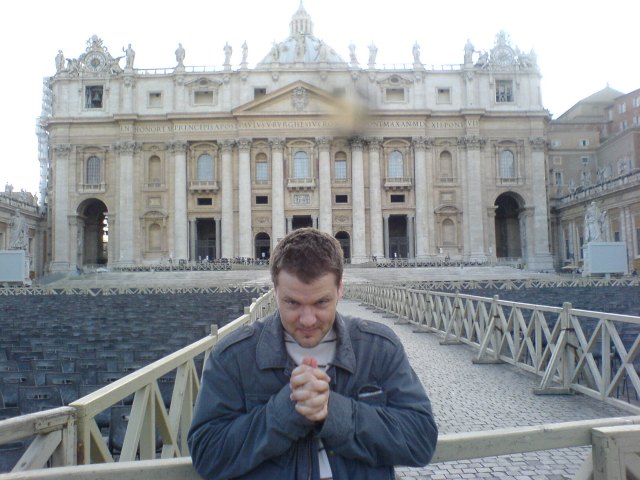
The quietest photo ever taken of the Vatican from St. Peters Square (seriously)

The travelators in the bowels of the Vatican (where the nuns go on the run?)

The quietest photo ever taken on the Spanish Steps (seriously)
Guide book and maps
- One thing to watch is the poor quality of maps and signage through Rome. I really recommend Lonely Planet’s Best of Rome (please buy from your local bookstore, not from Gigantazon). It actually manages to meet the claim on its front cover “the ultimate pocket guide and map” – it truly is portable unlike some of its thicker cousins, and has the best map I saw.
Mount Sutro saunter
I’d often wondered about the accessibility of Mount Sutro (207m), one of the 7 hills of San Francisco. Seen from afar, it looked enticing – thickly wooded slopes rising up in the middle of the city. However, on maps it always tended to be marked “UCSF” so I assumed it was private university land.
I was really happy when a friend told me there were paths up there, and sure enough, there are lots thanks to the folk at Nature in the City who have been clearing paths (volunteer details here). We hiked up there on a Sunday in June and didn’t meet a soul in the lush Eucalyptus woods.
The only downside is the lack of view from the top. Those Eucalyptus trees are just too tall. But its still well worth the trip.


 Richard Boardman's Blog